


Overview
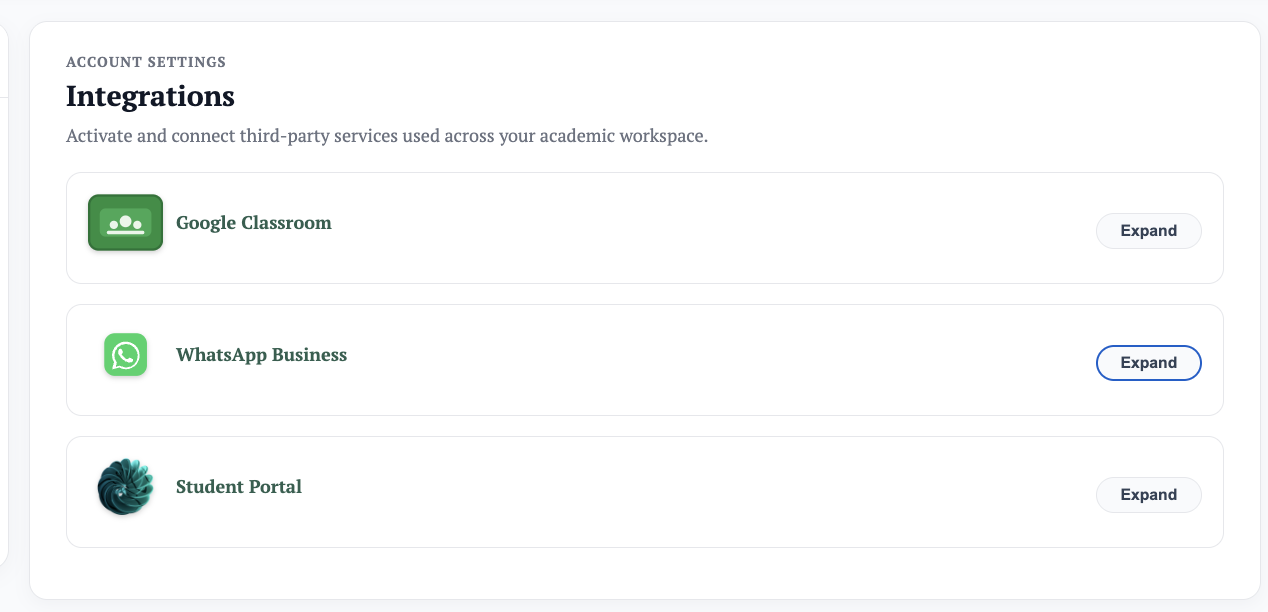
Events and announcements are how the organization communicates internally and with parents, students, and the general public. They can be posted to the organization dashboard, school website, parent and student dashboards — or all at once. Schools can send through Managira only, or also via email and other channels (e.g. WhatsApp) enabled under Settings → Integrations.
Create an event or announcement
- Navigate to Management Tools → Events & Announcements.
- Create an event or announcement by filling out the form.
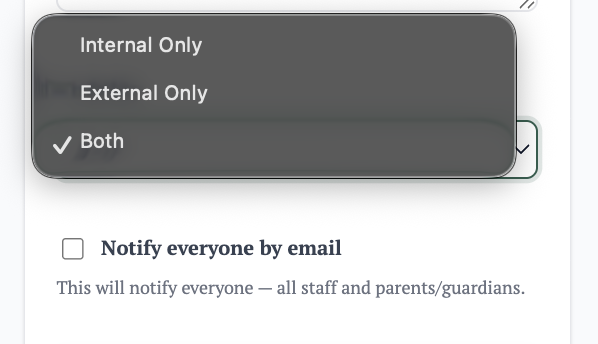
- Set the visibility — this determines where it is posted and who sees it.
- Choose whether to send it through email or any other enabled channel. If none is selected, it will only be shared internally.
System auto notifications
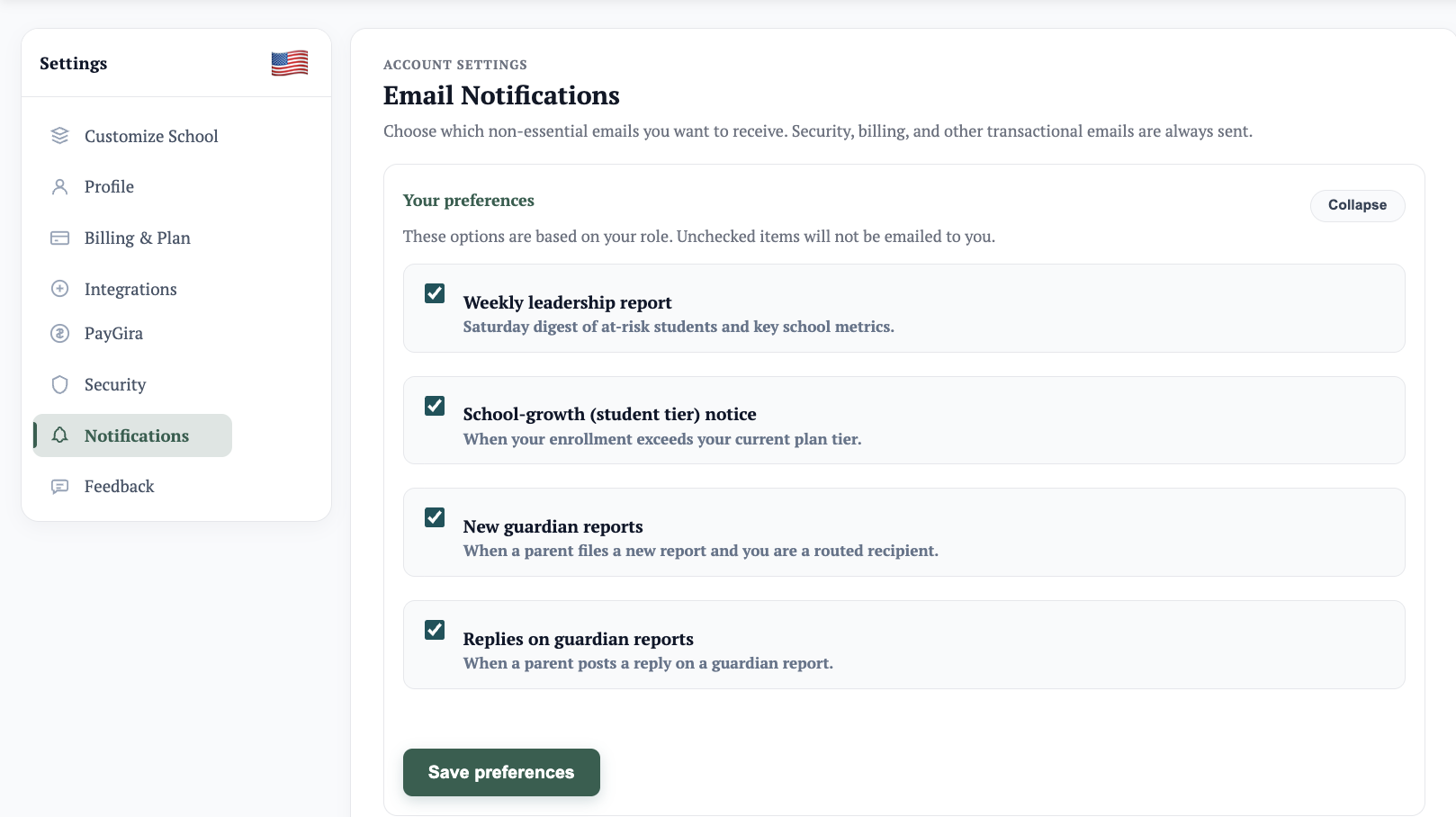
Managira automatically sends notifications via email and the school's integrated channels, based on user preference. These include digests and other notification types. Users receive them automatically until they choose to deactivate them.
Turn off notifications
- Navigate to Settings → Notifications.
- Turn off the notification types you no longer wish to receive.
This blocks those notification types from being sent to you.
Notification Bell
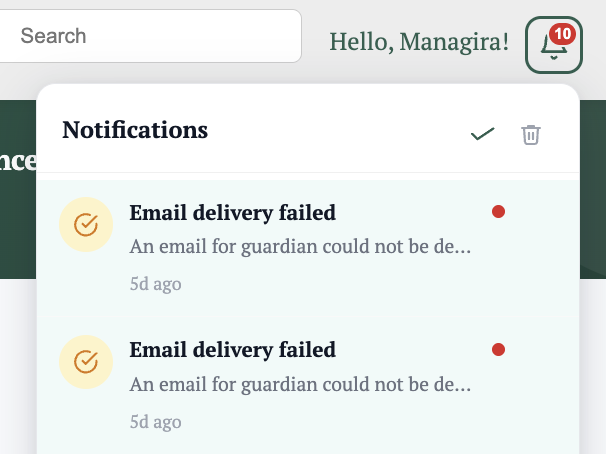
The notification bell is Managira's internal alert center. It provides brief updates on internal notifications, including warnings, changes, and other items that need attention.
How it works
- Notifications appear in the bell as they happen.
- These may include updates, warnings, and changes requiring your attention.
Note: Check the notification bell regularly to stay caught up and never miss an important update.